How to prove and control overlap
Overlap means a later execution of the same business process starts before an earlier one has finished — not that two executions merely happened close together. Prove it from the Executions list: compare each execution’s start and end time, its status (Running, Waiting, Success, Failed), and the trigger interval that produced it. n8n Cloud’s concurrency limits queue excess production executions rather than run them in parallel, but that is a capacity control, not a documented per-workflow exclusive lock. If your process genuinely needs mutual exclusion, work up the fix ladder below before reaching for a custom lock.
Define the collision
Prove overlap from execution timestamps and statuses
Before changing anything, confirm overlap actually occurred rather than assuming it from symptoms like duplicate downstream side effects. Pull the relevant executions for the workflow and line up four fields for each: start time, end time (or current status if still active), the trigger that started it, and any side-effect key the workflow writes — an order ID, a record ID, an idempotency key, anything that identifies which business process the execution was acting on.
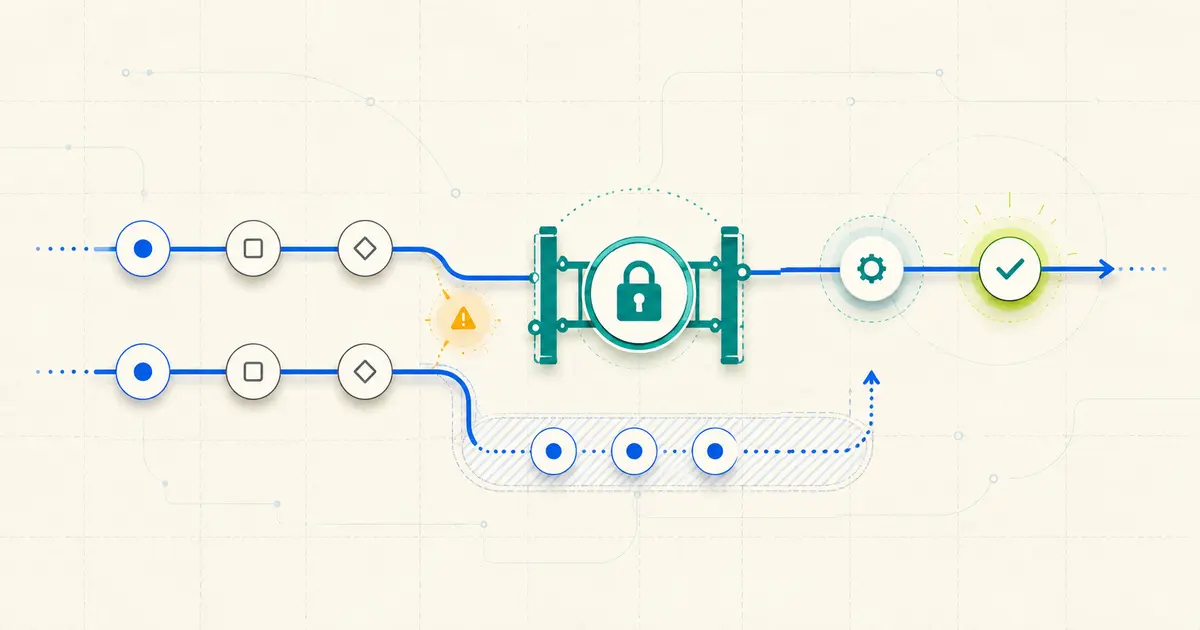
Overlap is confirmed when execution B’s start time falls before execution A’s end time, and both executions share the same side-effect key or the same logical target. Two executions that ran back-to-back with no time overlap are not overlapping, even if they look suspiciously close together. Two executions that overlapped in time but touched different, unrelated records are usually fine — concurrency only matters when executions compete for the same resource. If you are instead seeing a single execution appear to fire twice from the trigger itself, that is a different problem covered in the companion guide on an n8n Schedule Trigger that appears to run twice.
Six overlap patterns
Cause matrix
Capacity is not exclusivity
What n8n concurrency controls solve — and what they don’t
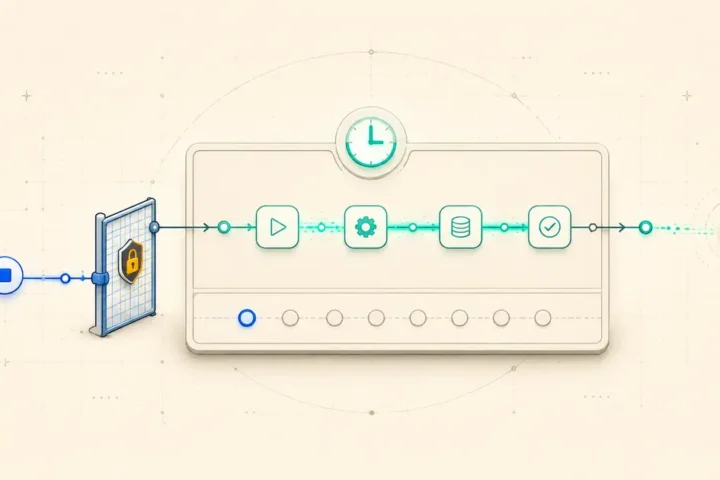
n8n Cloud sets concurrency limits for production executions in regular mode, sized to the account’s plan. Executions beyond the limit queue for later processing and are worked off in FIFO order as capacity frees up; queued executions can’t be retried, and cancelling or deleting one removes it from the queue. Self-hosted instances can configure an equivalent production concurrency limit, which behaves the same way: excess executions queue rather than run in parallel.
What this buys you is protection against too many concurrent executions overwhelming the instance — a capacity safeguard. It is not documented as a per-workflow exclusive lock, and treating it as one is an inference from its scope rather than a stated guarantee: the limit is shared across whatever is running on the account or instance, not scoped to “only one instance of this workflow at a time.” Two important scope limits reinforce this. First, concurrency control applies only to production executions started by a webhook or trigger node — it does not cover manual executions, sub-workflow executions, or error-workflow executions, so a manual test run can still overlap a production run untouched by the limit. Second, Workflow Timeout is a separate setting that cancels an execution after a configured duration; it is a circuit breaker against runaway executions, not proof that two executions can never run the same logic at the same time. A workflow can time out and still have allowed real overlap before the timeout fired.
Least complex fix first
Fix ladder, ranked by complexity
Work down this list in order. Each rung solves overlap in a different way, and most workflows never need to reach the bottom.
- 01
Widen the trigger interval
If executions overlap because the schedule fires more often than the workflow can finish, the simplest fix is to slow the schedule down, or batch more work into fewer runs. Trade-off: less freshness, and it doesn’t help if runtime itself is unpredictable.
- 02
Reduce and bound runtime
Trim unnecessary work from the critical path, add a Workflow Timeout so a stuck run cancels instead of running indefinitely, and set realistic per-node timeouts on slow external calls. Trade-off: a timeout that fires too aggressively can cancel legitimate long-running work.
- 03
Separate intake from processing
Let the trigger (webhook or schedule) do the minimum work to capture the incoming item, then hand processing to a queue or a separate workflow that runs at its own pace. Trade-off: adds a moving part and a small delay between intake and processing.
- 04
Make side effects idempotent
Design writes so that running the same logical action twice produces the same end state as running it once — for example, upserting by a stable business key instead of always inserting. Trade-off: requires the downstream system to support upsert or dedupe semantics, which not all APIs do.
- 05
Add an atomic claim or lock
Only when the above aren’t enough: have the workflow atomically claim ownership of a specific record or job before acting on it, so a second execution can detect the claim and back off. Trade-off: real complexity, covered in the design checklist below — get this wrong and you can introduce deadlocks or silent data loss instead of fixing overlap.
Whichever rung you land on, do not describe an ordinary sequence of reading a status flag and then separately writing it as safe under concurrency. Two overlapping executions can both read the flag as “not yet claimed” before either one writes “claimed,” and both proceed. That read-then-write pattern is a classic race condition, not a lock, regardless of how quickly the two steps run.
When mutual exclusion is required
Atomic claim/lock design checklist
If step five of the fix ladder is genuinely necessary, treat the lock as a small piece of infrastructure with its own failure modes, not a single node you drop in and forget. This checklist stays conceptual rather than handing you a copy-paste production lock, because a lock that looks complete but is missing one of these properties can fail in ways that are worse than having no lock at all.
- Unique ownership. Whoever claims the lock should hold a unique value identifying that specific claim attempt, not a fixed marker, so a release step can verify it is releasing its own claim and not one taken by a different execution after expiry.
- Atomic acquisition. The claim itself must be a single atomic operation — check-and-set, not a separate read followed by a separate write — so two overlapping executions can’t both believe they acquired the claim.
- Expiry. Every claim needs a time-to-live so a crashed or stuck execution eventually releases its hold automatically, rather than leaving the resource locked forever. n8n’s own Workflow Timeout can help bound how long an execution can hold a claim before something else forcibly ends it.
- Safe release. Releasing a claim should verify current ownership before deleting it, so a claim that already expired and was re-acquired by another execution isn’t accidentally torn down by the original holder finishing late.
- Explicit failure policy. Decide up front what happens when a claim can’t be acquired: skip the run, queue it for later, or fail visibly with an alert. Never let the workflow silently discard high-value work just because the resource was already claimed.
Both Redis and PostgreSQL provide primitives that fit this shape — Redis through an atomic set-if-not-exists with an expiry and a value used to verify ownership before deletion, PostgreSQL through session- or transaction-scoped advisory locks that the database itself tracks and can release automatically at the end of a session. Neither is built into an n8n node as a one-click business-process lock; wiring either one up is a genuine integration project; and no allowed source for this article documents the n8n Data Table node as providing a universal atomic lock, so this guide does not make that claim.
Test the business effect
Verification procedure: two deliberately close starts
Before trusting a fix, prove it under the exact condition you’re defending against: two attempts that start close enough together to have overlapped before.
- Trigger two executions against the same target record deliberately close together — close enough in time that, before the fix, they would have overlapped.
- Pick one observable side-effect key in advance, such as a row’s updated-at value or a counter, and record what it should look like if exactly one execution’s work was applied.
- After both executions finish, confirm the side-effect key reflects exactly one successful application of the work, not two, and not zero.
- Check the Executions list to confirm one execution either queued behind the other, was skipped with a visible reason, or ran second only after correctly detecting the first execution’s claim.
- Repeat the same test with a simulated failure partway through the first execution, to confirm the second execution can still proceed once the claim expires or releases.
Recover without clearing valid work
Rollback and recovery note
Short answers
FAQs
Does raising the n8n Cloud concurrency limit stop overlap?
No. Concurrency limits control how many production executions run at once across the account or instance; they queue excess work rather than block a specific workflow from running twice. A higher limit allows more production executions to run in parallel, so it is not a fix for per-workflow overlap.
Does a Workflow Timeout prevent overlap?
Not by itself. A Workflow Timeout cancels an execution that runs too long, which limits how long overlap can persist, but it doesn’t prevent two executions from starting and running concurrently before the timeout fires.
Is a manual test run affected by concurrency limits?
No. Concurrency control applies only to production executions started by a webhook or trigger node. A manual execution can run alongside a production execution of the same workflow untouched by the concurrency limit, which is a common source of unexpected overlap during testing.
Can I just use a “processing” flag on a database row instead of a real lock?
Only if setting that flag is a single atomic operation with a condition attached, such as an update that only succeeds if the flag was previously unset. A separate read-then-write sequence is not safe under concurrency, because two overlapping executions can both read the old value before either writes the new one.
Do I need Redis or Postgres for every overlap problem?
No. Most overlap is resolved by the earlier rungs of the fix ladder — a wider interval, a bounded runtime, separated intake and processing, or idempotent side effects. Reach for an explicit claim or lock only when the business process genuinely requires mutual exclusion and the simpler fixes don’t apply.
Primary documentation
Sources and change log
initial publication, verified against n8n, Redis, and PostgreSQL documentation on 5 August 2026. Environment reference: n8n Cloud 2.33.3 Stable, cited from a prior, separate webhook-deduplication test; this article’s checks were not run as a controlled lab.