How to acknowledge before slow work
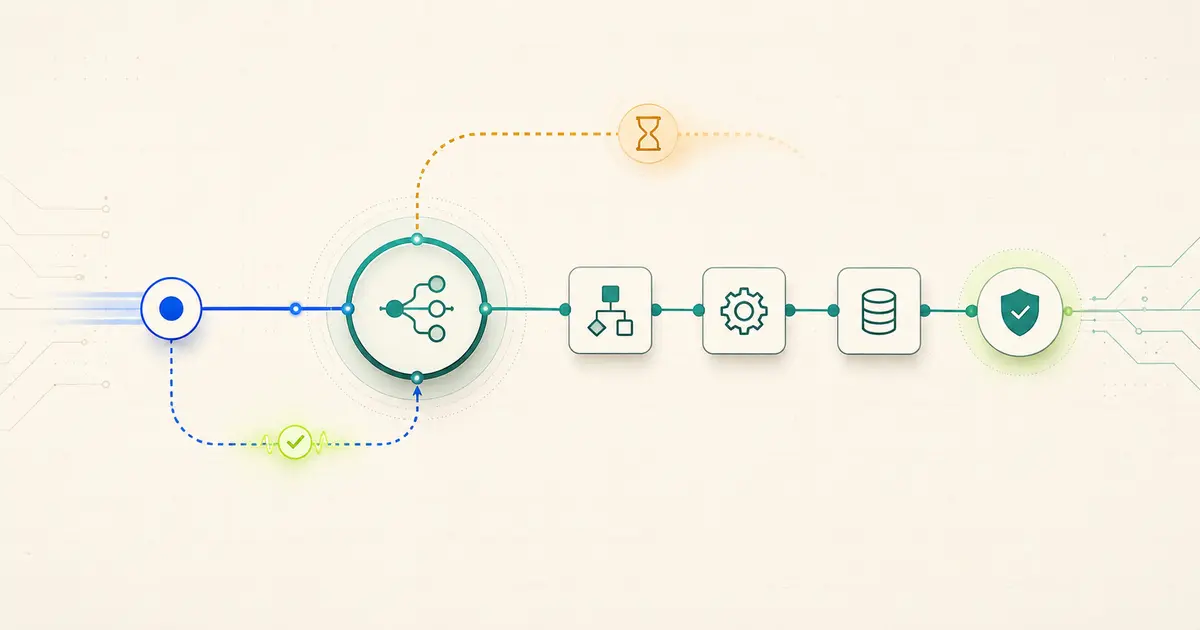
If a provider marks your n8n webhook deliveries as failed, first identify which failure it actually is: a timeout, a non-2xx status code, a signature or authentication rejection, or slow downstream work holding the connection open. Each has a different fix. For genuinely slow processing, the general-purpose fix is to set the Webhook node’s Respond option to Using Respond to Webhook Node, validate and durably capture the event, then send a fast acknowledgement before the slower work runs. A fast response reduces timeout-related failures; it does not guarantee the provider will never redeliver, so downstream work still needs to be safe to run more than once.
Identify the failure class
Diagnose the failure type first
Before changing the workflow, pin down which of four things is actually happening, since the fix is different for each.
Timeout
The provider’s log shows no response received within its timeout window, even though n8n eventually finished the execution. This is a speed problem: something between receiving the request and sending a response is taking too long.
Non-2xx status code
The provider’s log shows a response was received, but with a status code outside the 200–299 range. This is a correctness problem in what the workflow returns, not a speed problem — check what the Respond to Webhook node (or the Webhook node’s own response) is actually configured to send back.
Signature or authentication rejection
n8n never reaches meaningful processing because the request is rejected before or immediately after arrival — often visible as no execution at all, or an execution that errors immediately. This points to a credentials, header, or signature-verification mismatch, not to response timing.
Slow downstream work
The execution succeeds and eventually returns a correct response, but only after the provider had already timed out and marked the delivery failed. This is the case this guide focuses on: the workflow is doing real work — API calls, database writes — before it responds, and that work is what’s slow.
In practice, check these in the order above: a signature or auth rejection will show up as an error or a missing execution before any real processing runs, so rule that out first. If executions exist and complete, compare the provider’s recorded status code against what the workflow actually returned before assuming the problem is speed. Only once auth and status code are both confirmed correct does a genuine timeout from slow downstream work become the most likely explanation, and the rest of this guide addresses that case specifically.
Choose the response boundary
Webhook response modes and Respond to Webhook behavior
The Webhook node’s Respond setting controls how and when n8n replies, and it determines whether a Respond to Webhook node has any effect at all.
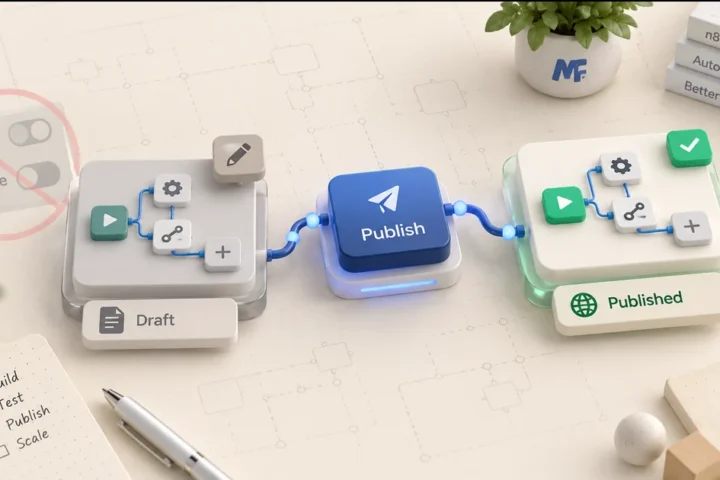
The Respond to Webhook node only has an effect if the Webhook node’s Respond setting is Using Respond to Webhook Node; with another response mode, a Respond to Webhook node elsewhere in the workflow is not what actually answers the request. The Respond to Webhook node itself runs once, using the first incoming item; if a second Respond to Webhook node executes later in the same execution, n8n ignores that second response, since the first one already answered the request.
Provider rules are different
Provider matrix: Stripe and GitHub
Keep these two facts separate rather than treating them as interchangeable: Stripe explicitly recommends a fast acknowledgement ahead of complex logic and retries automatically on failure, while GitHub sets a hard 10-second response window but leaves redelivery of standard failed deliveries to you. Confusing “GitHub asks for a fast response” with “GitHub will retry it for me” leads to silently losing events on GitHub integrations that a Stripe-style mental model would have caught automatically.
Validate, capture, then acknowledge
Step-by-step safe early-response pattern
- 01
Use response-node mode
Set the Webhook node’s Respond option to
Using Respond to Webhook Nodeso the response timing is under explicit control rather than tied to when the whole workflow finishes. - 02
Validate the request
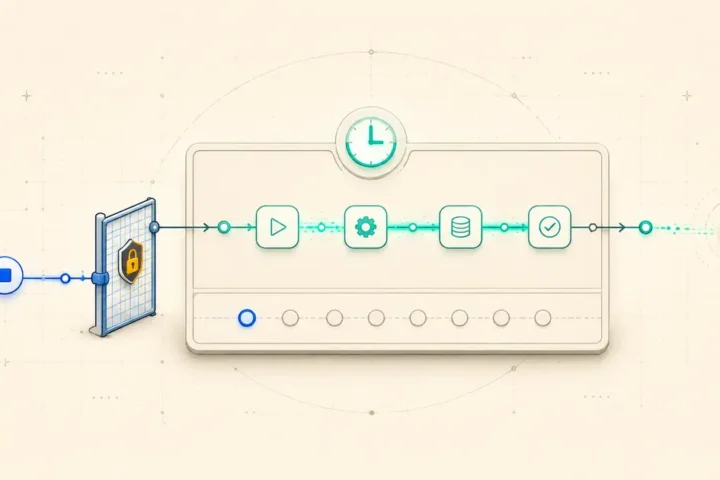
Validate the request first — provider signature or shared-secret check, and any required headers — before anything else runs. A fast response must not bypass provider-required authentication or signature validation just to save time.
- 03
Normalize a stable event ID
Normalize a stable event identifier from the payload (the provider’s own event or delivery ID where available) so later steps can recognize a redelivery of the same event.
- 04
Capture or dedupe durably
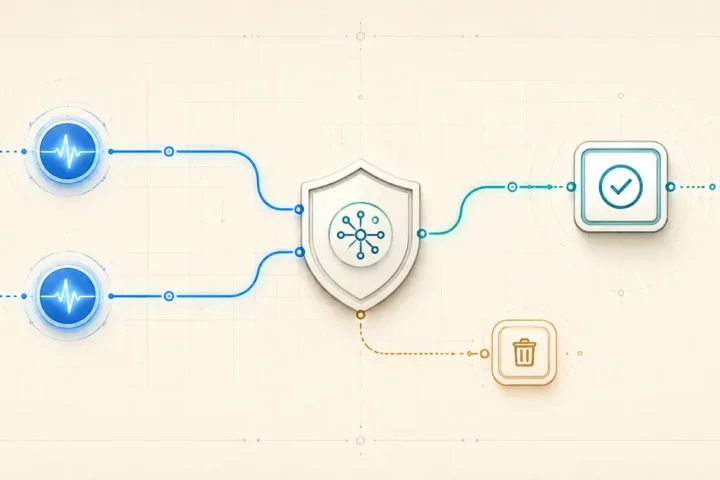
Durably capture the event, or make the dedupe decision, before sending the acknowledgement — write it somewhere that survives even if the rest of the execution fails afterward.
- 05
Send a minimal 2xx
Send the acknowledgement with a Respond to Webhook node: a 2xx status, appropriate headers, and a minimal body.
- 06
Run retry-safe side effects
Do the slower, retry-safe side effects (API calls, notifications, record updates) after the response has been sent, designed so re-processing the same event ID doesn’t duplicate the effect.
Speed versus durability
Acknowledge-before-work versus durable-capture-before-ack
Acknowledging before durable capture is the acknowledge-too-early risk: telling the provider the delivery succeeded before you’ve actually stored it anywhere durable means a failure in the next step can silently drop the event, since the provider has no reason to redeliver something it was already told succeeded. Where the event matters, durable capture (or at least the dedupe decision) belongs before the acknowledgement, even though it costs a small amount of time.
Verify at both ends
Verification checklist
- Response timing: confirm the acknowledgement is sent well inside the provider’s own timeout window, not just “eventually.”
- Response code: confirm the status code returned is actually in the 2xx range, not just that a response was sent.
- Provider log: check the provider’s own delivery log (Stripe’s event deliveries, GitHub’s delivery history) for the status it recorded, rather than trusting only what n8n shows.
- n8n execution: confirm the execution in the n8n Executions list matches the provider’s log for the same event — same rough timing, no unexplained errors.
- Dedupe key: confirm the stable event identifier used for durable capture and dedupe is actually present and consistent across retries of the same event.
- Downstream result: confirm the slower side effects completed correctly, and that a simulated redelivery of the same event doesn’t duplicate them.
Do not acknowledge work you may lose
Rollback and safety note
Short answers
FAQs
Does responding faster guarantee the provider won’t redeliver the event?
No. A fast response reduces timeout-related failures, but providers can still redeliver for other reasons — network issues, a non-2xx response, or a manual redelivery request. Downstream work should stay safe to run more than once regardless of response speed.
Can I skip signature validation to respond faster?
No. A quick acknowledgement must not bypass provider-required authentication or signature validation. Validate first, even though it adds a small amount of time before the response, since accepting unverified requests is a bigger risk than a marginally slower acknowledgement.
Why isn’t my Respond to Webhook node doing anything?
Check the Webhook node’s own Respond setting. The Respond to Webhook node only has an effect when that setting is Using Respond to Webhook Node; with Immediately or When Last Node Finishes selected, the Webhook node answers the request itself and a Respond to Webhook node elsewhere in the workflow doesn’t determine the response.
What happens if two Respond to Webhook nodes could execute in the same run?
Only the first one to execute sends the response; n8n ignores a second Respond to Webhook node executing afterward in the same execution. Design branching workflows so only one response path is reachable per request where possible, to avoid relying on this ignore behavior.
Does GitHub retry a failed delivery automatically, the way Stripe does?
No. GitHub does not automatically redeliver standard failed webhook deliveries; you need to redeliver manually or write code against GitHub’s API to detect and resend failed deliveries. This is different from Stripe, which retries failed deliveries automatically, so don’t assume GitHub behaves the same way.
Primary documentation
Sources and change log
initial publication, verified against n8n, Stripe, and GitHub documentation on 5 August 2026. Environment reference: n8n Cloud 2.33.3 Stable, cited from a prior, separate webhook-deduplication test; this article’s checks were not run as a controlled lab.