Do Routers and Filters Count as Operations in Make?
Router modules and filters do not use credits under Make’s current documented rule, but that does not make routing free. Make’s credit guide lists Router modules and filters among the features with no credit cost, while its Operations guide separately defines an operation as a module run that processes or checks data. The credit exemption alone does not establish how every router or filter evaluation appears in operation history, so verify the two counters in your own run. Filters and routers control which bundles reach downstream modules; standard actions that receive and process those bundles still use credits according to their own rules.
Official documentation checked on 7 August 2026: Make’s credit guide, Operations guide, Router documentation, and Filtering documentation.
Operations versus credits: why the wording matters
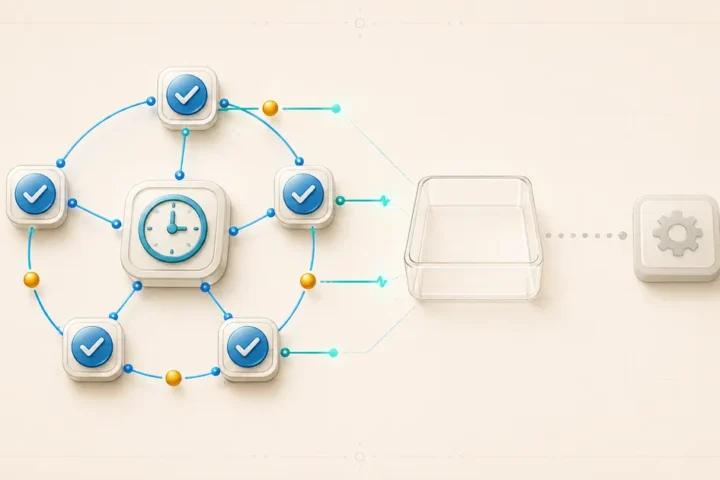
Make separates two counters that describe the same module run from two different angles. An operation, per Make’s Operations guide, is a single module run to process data or check for new data — the count that reflects how much work a scenario actually did. A credit, per the credit guide, is the billing unit that a given module run costs, and the two numbers are not guaranteed to match one-for-one for every feature.
For most non-AI app modules, one operation still corresponds to one credit. The distinction matters specifically for the features Make documents as credit-free, including Router modules and filters. That list establishes their credit cost; it does not, by itself, document how every router or filter evaluation is represented in operation history. Treat “credit-free” as a billing statement about the routing feature, not as a broader claim about counter presentation or the downstream branch.
The scenario builder can show operation and credit counts separately for a given run, so if you want to confirm the distinction on your own account, that is the first place to look rather than assuming the two numbers always move together.
What routers and filters do to bundle flow
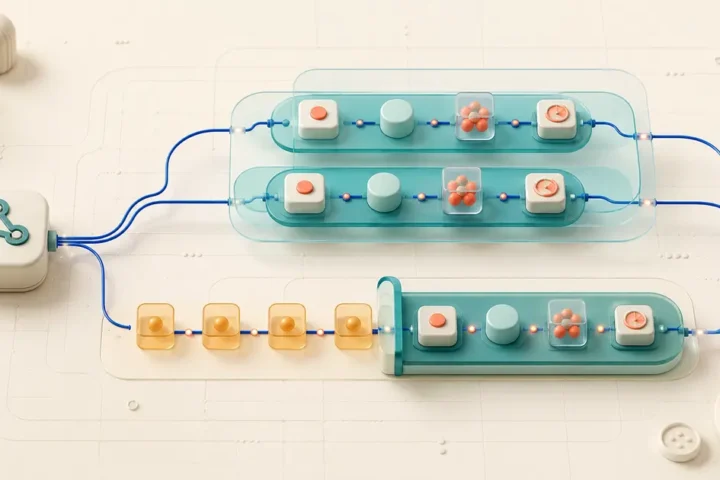
A router branches a scenario into multiple routes, and each route processes the bundles it receives according to the condition you set on it. Make’s router documentation states that routes are processed sequentially, not in parallel — the platform will not start the second route until it has finished processing the first one. That sequencing detail matters for arithmetic and for reasoning about execution order, not just for visual layout on the canvas.
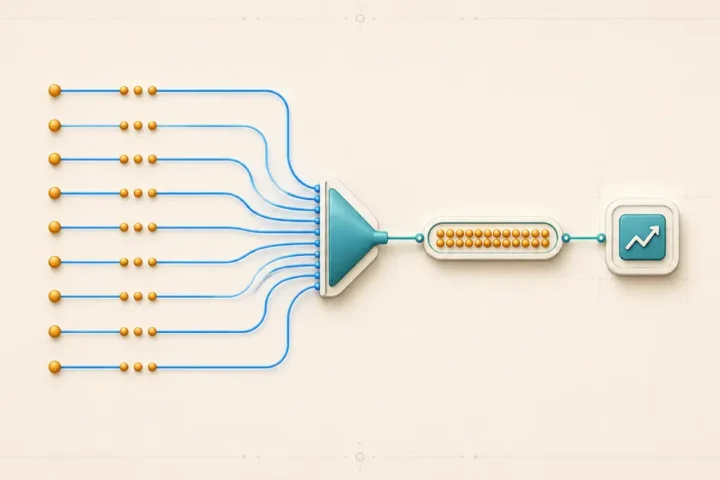
A filter sits between two modules and checks whether a bundle meets its condition. If the bundle passes, it continues to the next module. If it does not, according to Make’s filtering documentation, that bundle’s processing is terminated at the filter — it does not reach anything downstream on that path. This is the mechanism that produces savings: not because the filter itself is free, but because it prevents bundles from reaching modules that would otherwise cost credits.
Together, a router and the filters attached to its routes let you send different bundles down different processing paths, or stop some bundles from being processed at all. Neither behavior changes how the receiving modules are billed once a bundle does reach them.
The current no-credit rule for routers and filters
Make’s how features use credits page lists specific modules that carry no credit cost, and Router modules and filters are named directly in that list, alongside error-handler modules (Rollback, Break, Resume, Commit, Ignore), certain scenario-control modules, and Make’s built-in functions. This is the documented, current rule as verified against the help center on 7 August 2026 — use “credit-free under the current documented rule” rather than assuming this label, the billing terminology, or the way it appears in your account’s history will be identical for every reader, since Make’s documentation is versioned and can change.
Two things this rule does not say. First, it does not define how every router or filter evaluation must appear in the operation counter or scenario history; the no-credit list is not a counter-display specification. Check the operation and credit displays in your own run rather than inferring one from the other. Second, it does not say that a branch behind a router is credit-free. Every ordinary action module downstream still uses credits according to its own module type when it receives and processes a bundle.
Ten-bundle filter model: worked credit arithmetic
Here is a labeled, synthetic estimate — not a measured MetaFlowKit run — that shows how the no-credit rule interacts with downstream billing. Assume a trigger check returns 10 bundles, and a single filter allows 3 of them through to one ordinary action module that uses the standard 1-credit-per-bundle rate.
| Step | Bundles handled | Estimated credits |
|---|---|---|
| Trigger check | 10 returned | 1 |
| Filter | 3 pass, 7 rejected | 0 |
| Action module | 3 processed | 3 |
Under this simple, standard-rate assumption: 1 trigger credit + 0 filter credits + 3 action credits = 4 credits. The seven rejected bundles never reach the action module, so they add nothing to the total. This estimate assumes an ordinary trigger module (1 credit per check, regardless of bundle count) and an ordinary action module billed at one credit per input bundle; it does not apply as written to AI modules, dynamic-credit modules, or modules that batch multiple bundles into a single call.
Multi-route and fallback counting model
Now extend the model to a router with two ordinary routes and a fallback. Say one incoming bundle is evaluated against Route A’s condition, then Route B’s, in the order you set. Make’s router documentation confirms routes are checked and processed in that set order, one at a time, and a fallback route is executed last, processing only the data that did not fit any other route’s condition.
The counting method does not change with the number of routes: downstream credit cost equals the number of bundles that actually reach each route’s modules, multiplied by the credit rate of the modules on that route. Do not assume every scenario run produces exactly one matching branch — depending on how conditions are written, a bundle might match zero routes (and fall to the fallback, if one exists), exactly one route, or, if conditions overlap, more than one route in sequence. Route conditions should be designed intentionally around the outcome you want, not assumed to behave like an exclusive if/else statement by default.
The fallback route itself is not an unconditional duplicate of every bundle. It processes only bundles that failed every other route’s condition, and it runs after the other routes in the set order — it is a true “if nothing else matched” branch, not a parallel copy.
Why overlapping route conditions create a design risk
If two routes both have conditions that a bundle can satisfy — for example, one route matching “amount greater than 100” and another matching “amount greater than 50” — a single bundle can pass both filters and be processed on both routes in sequence, since Make’s documentation does not state that routes are mutually exclusive by design. That means the same source bundle could trigger two separate downstream actions, each billed at its own module’s rate. This is a workflow-design inference rather than a claim stated verbatim on an official page, so verify the behavior for your own condition logic using a small set of controlled sample bundles before relying on it at scale. Routers, filters, and fallback routes do not guarantee mutual exclusivity, deduplication, ordering of external side effects, or transactionality on their own.
Decision matrix for common routing scenarios
| Scenario | Router/filter credit cost | Downstream credit effect |
|---|---|---|
| Bundle rejected by a filter | 0 |
No downstream modules on that path run for this bundle |
| Bundle matches exactly one route | 0 |
Only that route’s modules bill for the bundle |
| Bundle matches overlapping route conditions | 0 |
Each matching route’s modules can bill separately — verify with sample data |
| Bundle reaches the fallback route | 0 |
Only the fallback route’s modules bill, executed last |
| Route has no bundles to process this run | 0 |
No downstream credits for that route on this run |
| Downstream module uses a dynamic or AI-based credit rate | 0 |
Standard 1-credit-per-bundle arithmetic does not apply; check that module’s own rate |
Common counting mistakes
- Treating every route as if it runs in parallel, rather than in the sequential, set order Make’s router documentation describes.
- Calling an entire branch “free” because the router or filter that leads into it carries no credit cost, while ignoring the credits used by the ordinary modules on that branch.
- Confusing a bundle rejected by a filter with a module that ran and failed — a rejected bundle simply never reaches the next module, which is different from an error in a module that did run.
- Assuming a fallback route duplicates every bundle rather than processing only the bundles that matched no other route’s condition.
Safe route design sequence that preserves business behavior
- Write the business rule first. Decide what should happen to each category of bundle before you build the router, so the routes map to real outcomes rather than to convenient credit savings.
- Check for condition overlap. Compare each route’s condition against the others and confirm whether a bundle could satisfy more than one, since Make does not enforce exclusivity automatically.
- Order routes deliberately. Use the router’s route-ordering option to set the sequence you actually want processed first, since routes run one at a time in that order.
- Add a fallback only if you need an explicit catch-all. Decide whether unmatched bundles should be processed, logged, or discarded, and build the fallback route to match that decision.
- Run controlled sample bundles. Before relying on the routing in production, send a small, varied set of test bundles through the scenario and confirm each one lands on the intended route.
Do not add a router to a scenario purely to reduce credit consumption. A route that changes which downstream actions receive data changes the business outcome, and that outcome should be the reason for the route, not a side effect of chasing a lower credit count.
How to verify operation and credit counts in a real run
- Open the scenario’s module bubbles after a run and compare the operation count (checkmark icon) against the credit count for each module.
- Open Scenario History for the run and review the operations-completed and credits-consumed totals recorded for that execution.
- Expand an individual operation to inspect the bundles it processed, to confirm which bundles reached which route.
- Re-run the same test bundles after changing a route condition, and compare the new operation and credit totals against the previous run.
The module bubbles and scenario history are the source of truth for what actually happened in your account — the arithmetic in this article is a planning estimate, not a substitute for checking a real run.
FAQs
Do Router modules use Make credits?
No. Make’s credit guide lists Router modules among the features with no credit cost, as verified against the documentation on 7 August 2026.
Do filters use Make credits?
No. Filters are listed alongside routers as credit-free under the current documented rule, though a filter can still prevent downstream modules from running and billing.
Does a router make an entire branch free?
No. Only the router module itself is credit-free. Every standard action module on a route still bills according to its own module type once it receives a bundle.
Can one bundle trigger more than one route?
It can, if route conditions overlap, since Make’s documentation does not describe routes as mutually exclusive. Verify your specific condition logic with sample bundles.
Where do I check the real operation and credit counts for a scenario?
Use the module bubbles in the scenario builder for a per-module breakdown, or open Scenario History for run-level totals.
Sources and change log
- How features use credits — Make
- Operations — Make
- Router — Make
- Filtering — Make
- Scenario history — Make
Change log: initial publication, documentation verified 7 August 2026.
Related: Make platform hub · How Make Operations Work